Published on
May 15, 2026

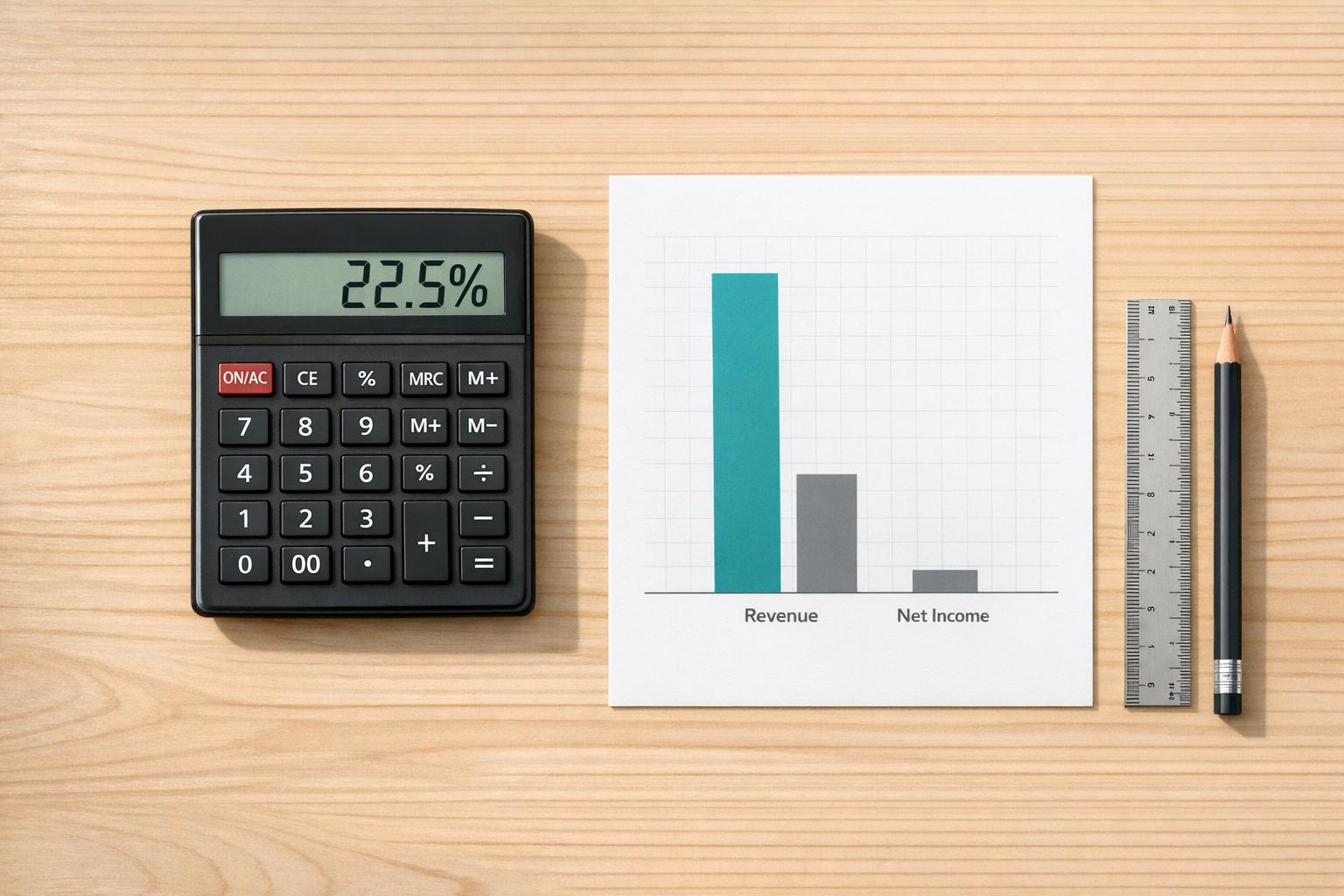
A Net Profit Margin Calculator helps you see how much of your revenue stays in the business as actual profit after every expense is covered. It’s one of the simplest ways to check financial health because it turns raw income and sales numbers into a percentage that’s easy to compare over time.
Looking at revenue alone can be misleading. A company might bring in strong sales and still keep very little after operating costs, taxes, interest, and other expenses. That’s where net profit margin becomes useful. It shows whether a business is truly profitable, just breaking even, or losing money.
This calculator is designed to keep the process straightforward. Enter net income and total revenue, and the tool handles the formula for you: profit divided by revenue, multiplied by 100. It also allows negative profit values, which is important for analyzing businesses that are operating at a loss.
Whether you're reviewing your own company, comparing competitors, or checking a financial statement, a Net Profit Margin Calculator gives you a fast, practical snapshot of performance without extra complexity.
Net profit margin shows what percentage of revenue a business keeps as profit after all expenses are paid. It’s a quick way to understand overall profitability. A higher margin usually means the business is keeping more from each dollar earned, while a low or negative margin can point to pricing, cost, or efficiency issues.
Yes, absolutely. If net profit is negative, the margin will also be negative. That means the business is losing money after accounting for all expenses. Seeing a negative margin can still be useful because it helps highlight the size of the loss relative to revenue.
Because net profit margin divides net profit by revenue. If revenue is zero, the calculation isn’t valid, so the tool should stop and show a clear error. This prevents misleading results and keeps the calculation mathematically accurate.