Published on
May 8, 2026

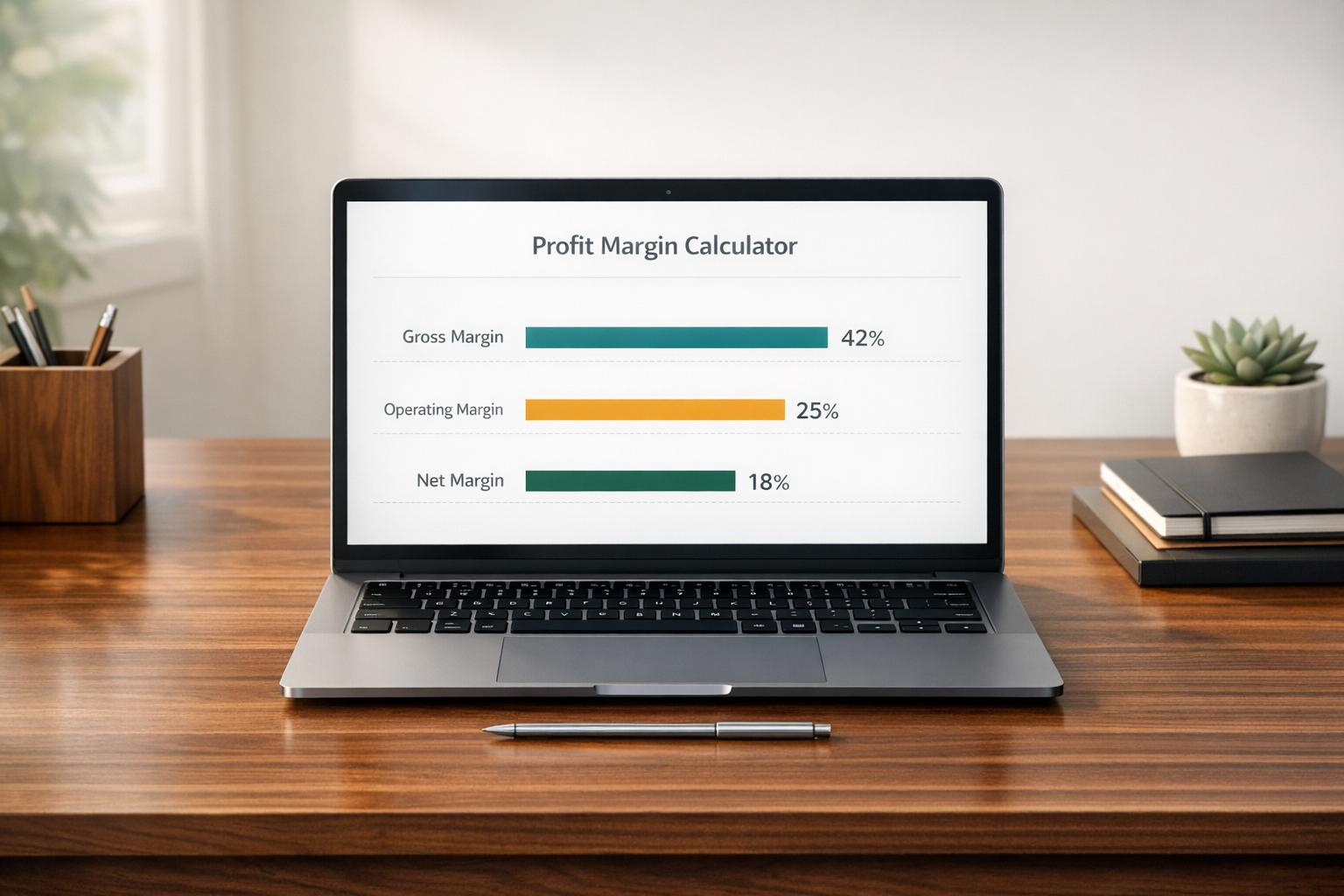
A profit margin calculator helps you move beyond raw revenue and understand what your business actually keeps. For business owners, ecommerce sellers, and finance teams, that distinction matters. Strong sales don't always mean strong profits, especially when product costs, operating expenses, and taxes start adding up.
This tool breaks profitability into three key views: gross profit, operating profit, and net profit. That makes it easier to spot where money is being earned and where it's being absorbed by expenses. If you're adjusting prices, comparing product lines, or reviewing monthly performance, seeing each margin separately can lead to better decisions.
A good profit margin calculator should be easy to use, not another spreadsheet to maintain. Enter your revenue and any relevant costs, and the tool instantly shows both dollar amounts and percentage margins. Blank optional fields are treated as zero, which keeps the process flexible for quick estimates.
From online stores to service businesses, margin analysis helps teams plan growth with more confidence. Using a gross, operating, and net margin calculator can highlight pricing issues, cost pressure, or opportunities to improve efficiency before they affect the bottom line.
Gross profit margin shows how much revenue is left after subtracting the cost of goods sold. Operating profit margin goes a step further by also removing operating expenses like payroll, software, or rent. Net profit margin is the bottom-line number after all listed expenses, including other costs and taxes, have been deducted. Looking at all three gives you a more complete picture of business performance.
Yes. Optional fields can be left blank and the calculator will treat them as 0. That makes it useful for quick estimates, early planning, and rough scenario checks. If you later add more complete expense data, your operating and net margin results will update instantly.
Margin percentages are calculated by dividing profit by revenue. If revenue is 0, that division can't be completed in a meaningful way, so the tool returns a clear message instead of showing an incorrect percentage. You can still review your entered cost figures, but you’ll need revenue above 0 to calculate margin percentages accurately.