Published on
February 20, 2026

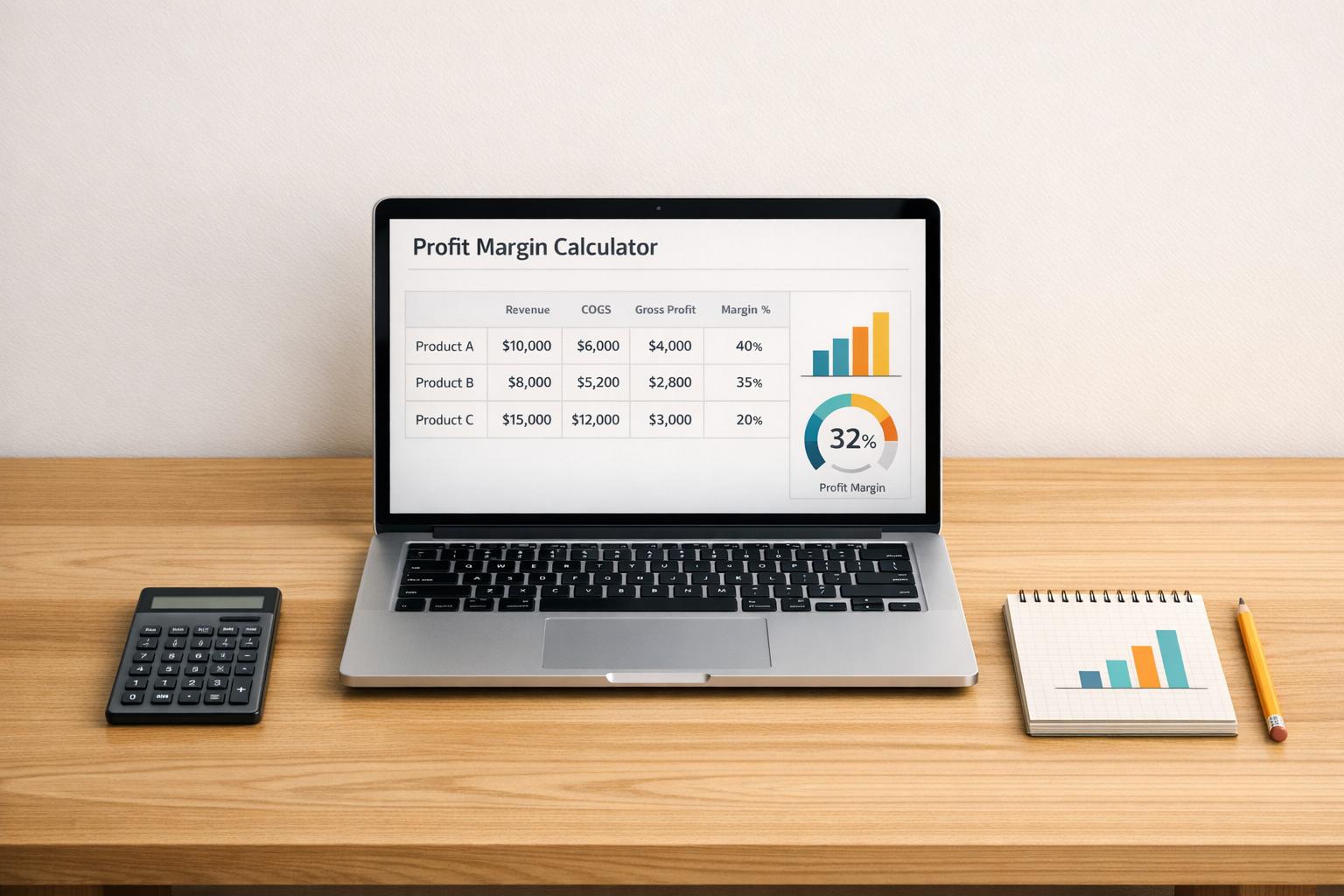
Running a business without a clear grasp of profitability is like driving blind. Knowing how much you truly earn from each sale can transform your strategy, and that’s where a tool to calculate profit margins comes in handy. This simple yet powerful resource helps small business owners, freelancers, and entrepreneurs break down their revenue and costs to reveal the real picture of financial health.
Every product or service you offer has a story to tell about its contribution to your bottom line. By analyzing revenue against the cost of goods sold, you uncover which items are pulling their weight and which might need a pricing tweak. Beyond just numbers, this insight guides decisions on inventory, marketing spend, and even expansion plans. A business profitability tool takes the guesswork out of the equation, delivering clear percentages and gross profit figures in seconds.
Whether you’re a solo hustler or managing a growing team, tracking margins keeps you competitive. Input multiple entries to see how each segment performs and get an overall view of your operation. It’s not just data—it’s the clarity you need to thrive.
Profit margin is the percentage of revenue that remains as profit after covering the cost of goods sold (COGS). It’s a critical metric because it shows how efficiently your business turns sales into actual profit. A higher margin means you’re keeping more from each sale, which can signal healthy pricing or cost management. Use this to spot where you might need to adjust prices or cut costs.
Absolutely! Whether you’re selling physical goods or offering services, this tool works the same way. Just input the revenue you earn and the direct costs tied to delivering that product or service. For services, think of COGS as labor or materials directly linked to the job. It’ll break down the margins for each entry and give you a big-picture view.
The results are as accurate as the numbers you provide. This tool calculates gross profit by subtracting COGS from revenue for each entry, then figures the margin percentage by dividing that profit by revenue and multiplying by 100. It also aggregates everything for a total margin across all products. Just double-check your inputs, and you’ll get reliable, rounded figures to two decimal places.