Published on
December 6, 2025

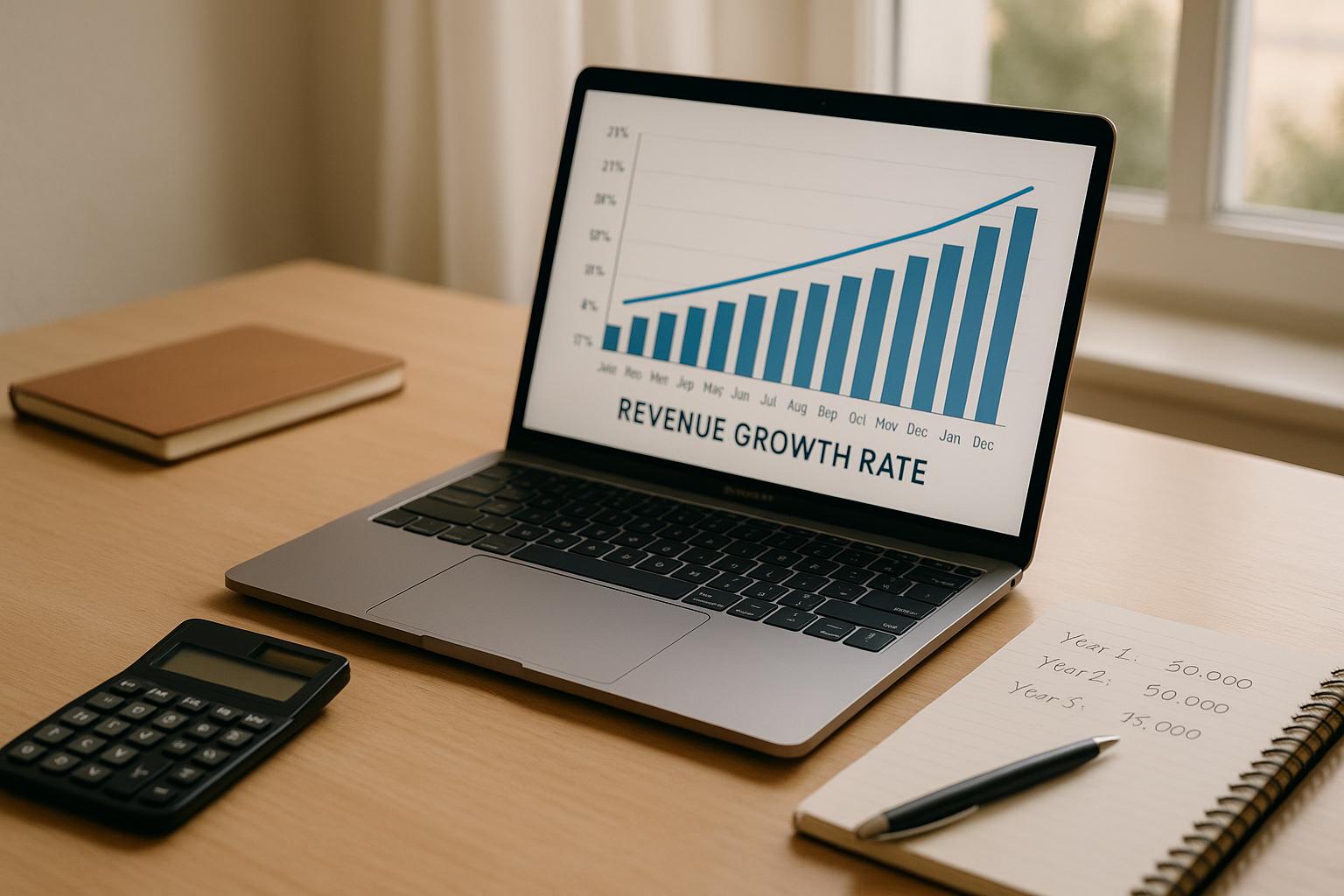
Running a business means keeping a close eye on your financial health, and one of the best ways to do that is by measuring how your income evolves over time. A tool designed to calculate revenue growth can be a game-changer, especially for small business owners or startups looking to understand their trajectory. By simply entering a few numbers, you can uncover valuable insights about your company’s performance without needing a finance degree.
Growth metrics aren’t just numbers—they tell a story about your business. Whether you’re comparing monthly sales or looking at yearly trends, understanding your financial uptick helps with everything from budgeting to pitching to investors. A business growth calculator takes the guesswork out of the equation, offering a clear percentage that reflects your progress. Plus, it can highlight areas where you might need to pivot or double down. If you’re ready to take control of your financial narrative, using a dedicated tool for tracking expansion is a smart first step. Start today and see where your business stands!
Revenue growth rate shows how much your business income has increased over a specific period, expressed as a percentage. It’s a vital metric because it helps you understand if your strategies are working, spot trends, and plan for the future. Investors and stakeholders often look at this number to gauge your company’s health, so keeping tabs on it can give you a competitive edge.
CAGR is a way to measure your average annual growth over multiple years, smoothing out fluctuations. It’s calculated by taking the ratio of your final revenue to initial revenue, raising it to the power of 1 divided by the number of years, then subtracting 1. Our tool does this automatically for annual data, so you don’t have to crunch the numbers yourself—just input your figures and get the result!
If your previous revenue is zero, the tool can’t calculate a growth rate since it involves dividing by that number—math just doesn’t work that way! You’ll see a message saying ‘Previous revenue cannot be zero for calculation.’ For negative values, we’ll also flag it with a helpful note, as growth rates in such cases might not be meaningful without deeper context. Adjust your inputs or reach out for tailored advice if needed.