Published on
June 2, 2026

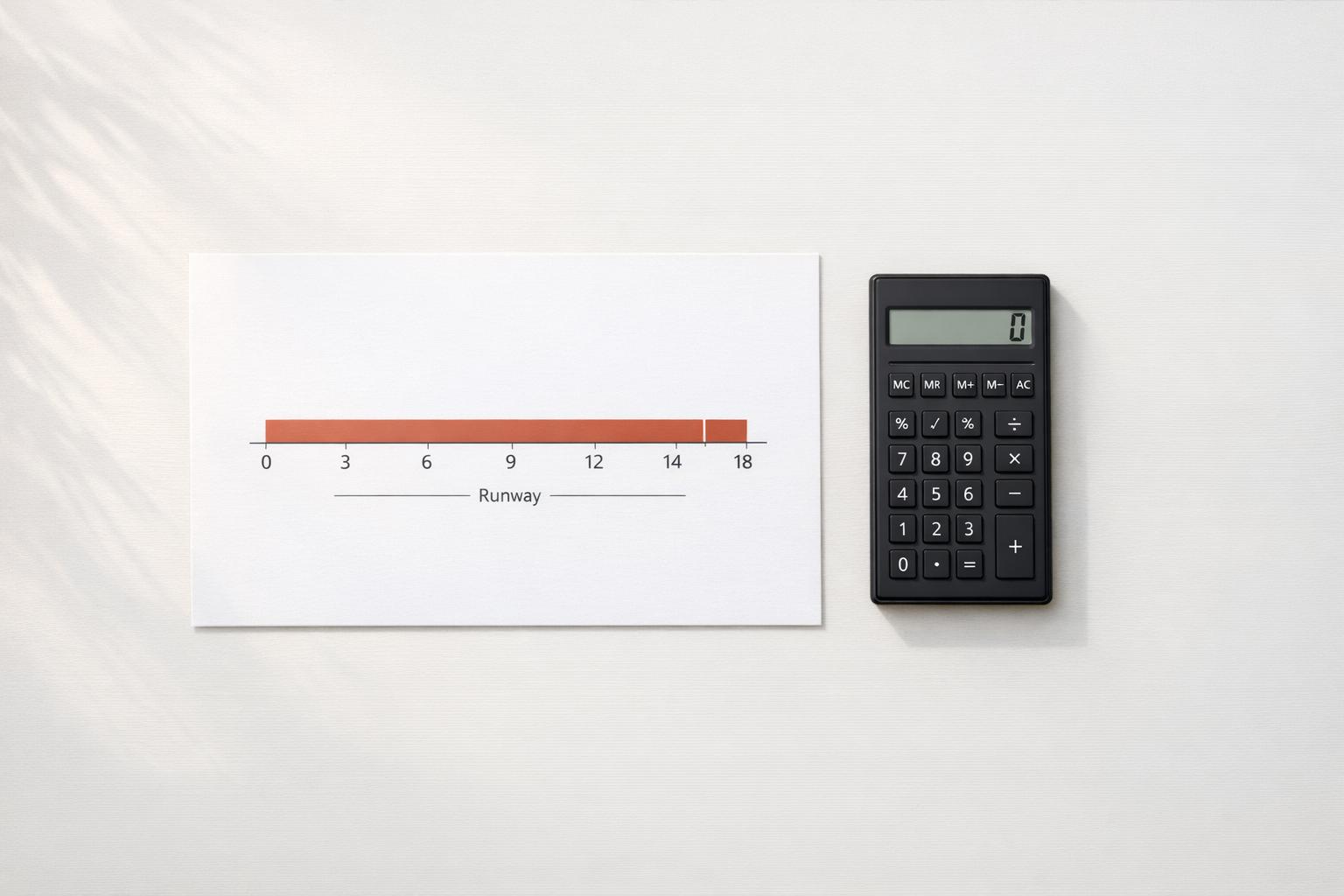
A runway calculator gives startups and businesses a quick way to measure how long available cash can support operations. If you know your current cash balance and monthly burn rate, you can estimate the number of months before funds run out and make more informed decisions about hiring, spending, or fundraising.
This tool is designed to keep things straightforward. Enter your cash balance and burn rate directly, or use monthly revenue and monthly expenses to calculate burn automatically. That flexibility makes it useful for early-stage founders, finance teams, and small business owners who want a fast answer without digging through spreadsheets.
A reliable runway calculator can highlight whether your business has limited runway, no burn, or even improving cash flow. That context matters. A positive burn rate means your cash is shrinking over time, while a zero or negative burn suggests your position is stable or improving based on current inputs.
By turning a few financial numbers into a clear estimate, this cash runway tool helps you plan next steps with more confidence and less uncertainty.
Runway is the amount of time your business can keep operating before its cash balance runs out, assuming your current burn rate stays the same. It’s usually measured in months because that makes it easier to plan hiring, fundraising, and cost decisions. If your burn rate changes often, runway should be recalculated regularly to stay useful.
If your burn rate is zero, the tool won’t divide by zero. Instead, it shows a status like No Burn, which means your current inputs don’t indicate cash is being depleted each month. If burn rate is negative, it means revenue is higher than expenses or cash is otherwise growing, so the tool labels it Cash Growing and notes that runway is not currently constrained.
Either approach works. If you already track a reliable monthly burn rate, entering it directly is the fastest option. If you want the tool to derive burn from your operating numbers, enter monthly revenue and monthly expenses instead. In that case, burn rate is calculated as expenses minus revenue, which can give you a more grounded picture when reviewing current financial performance.