Published on
March 26, 2026

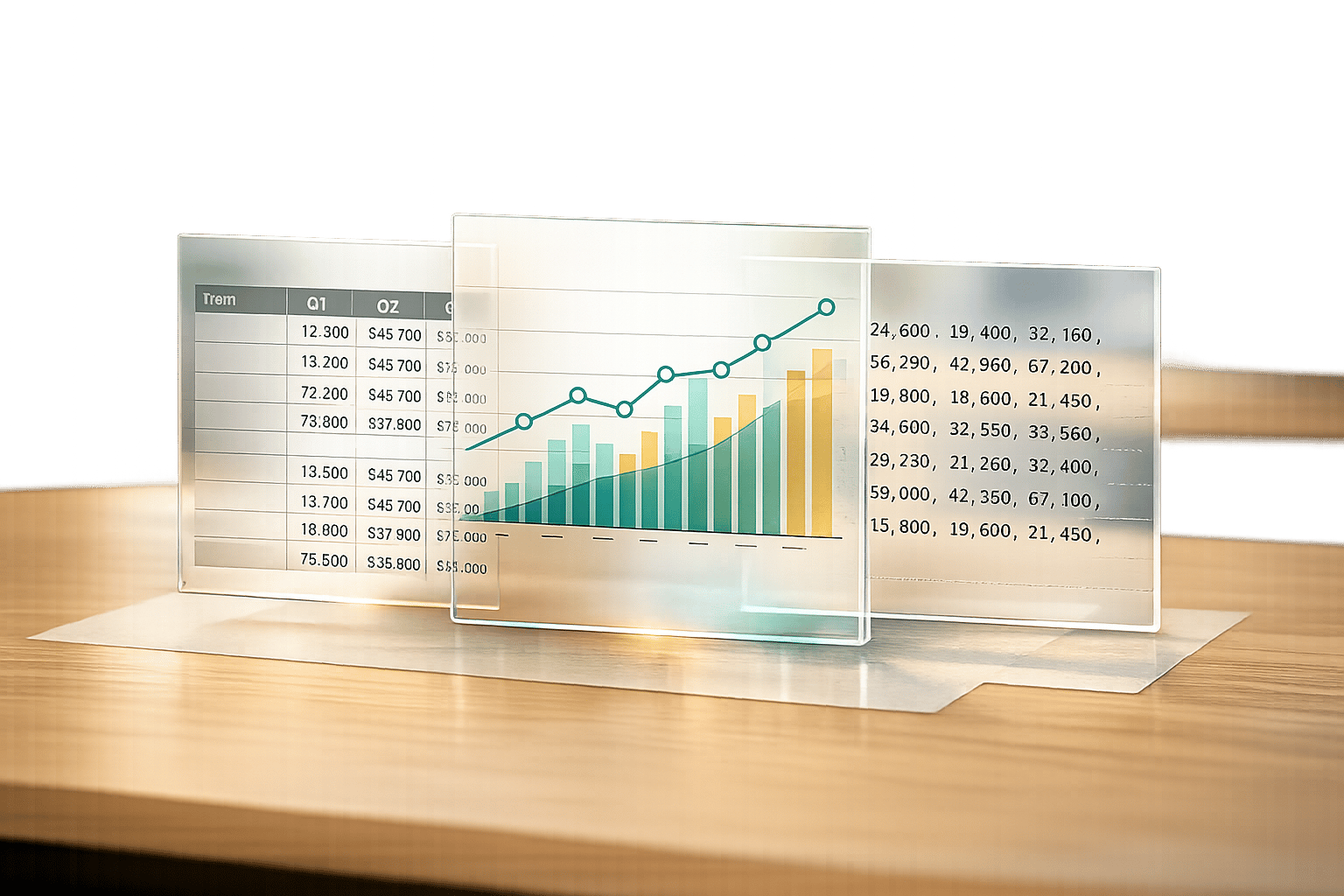
Running a business or managing finances often means juggling endless numbers and projections. But what if you could turn those raw figures into something visual and easy to grasp? That’s where a tool for transforming financial data comes in handy. It takes your quarterly revenue, expenses, and profit estimates and reshapes them into formats that actually make sense for decision-making.
When you’re planning for the next one to three years, seeing the big picture matters. A simple table with yearly totals can show you where you stand, while a dynamic line chart reveals trends—are your profits climbing or dipping over time? These insights help you spot issues early or double down on what’s working. Plus, having your data exportable means you’re ready to share or analyze it further without starting from scratch.
Small business owners, freelancers, and even financial advisors can save hours with this kind of resource. Instead of wrestling with spreadsheets or complex software, you get a straightforward way to map out your fiscal path. It’s about working smarter, not harder, and keeping your focus on growth rather than getting lost in the numbers.
You can input quarterly figures for revenue, expenses, and profit over a 1-3 year period. The tool is designed to handle numeric data, so make sure your entries are numbers—no text or symbols. If something’s off, it’ll prompt you to correct it before generating the outputs. This keeps everything accurate and useful for your planning.
We’ve built in validation checks to catch non-numeric inputs or obvious errors before processing. Once your data is in, the tool calculates yearly totals and trends automatically, so you don’t have to worry about manual math. The charts and tables update dynamically, giving you a real-time look at your numbers. It’s all about making sure you trust what you see.
Absolutely! The summary tables and line charts are perfect for dropping into presentations or sharing with stakeholders. They’re clean, professional, and update as soon as you tweak your data. Plus, if you need the raw numbers for a report, the CSV download option lets you export everything in a format that works with most spreadsheet programs.